
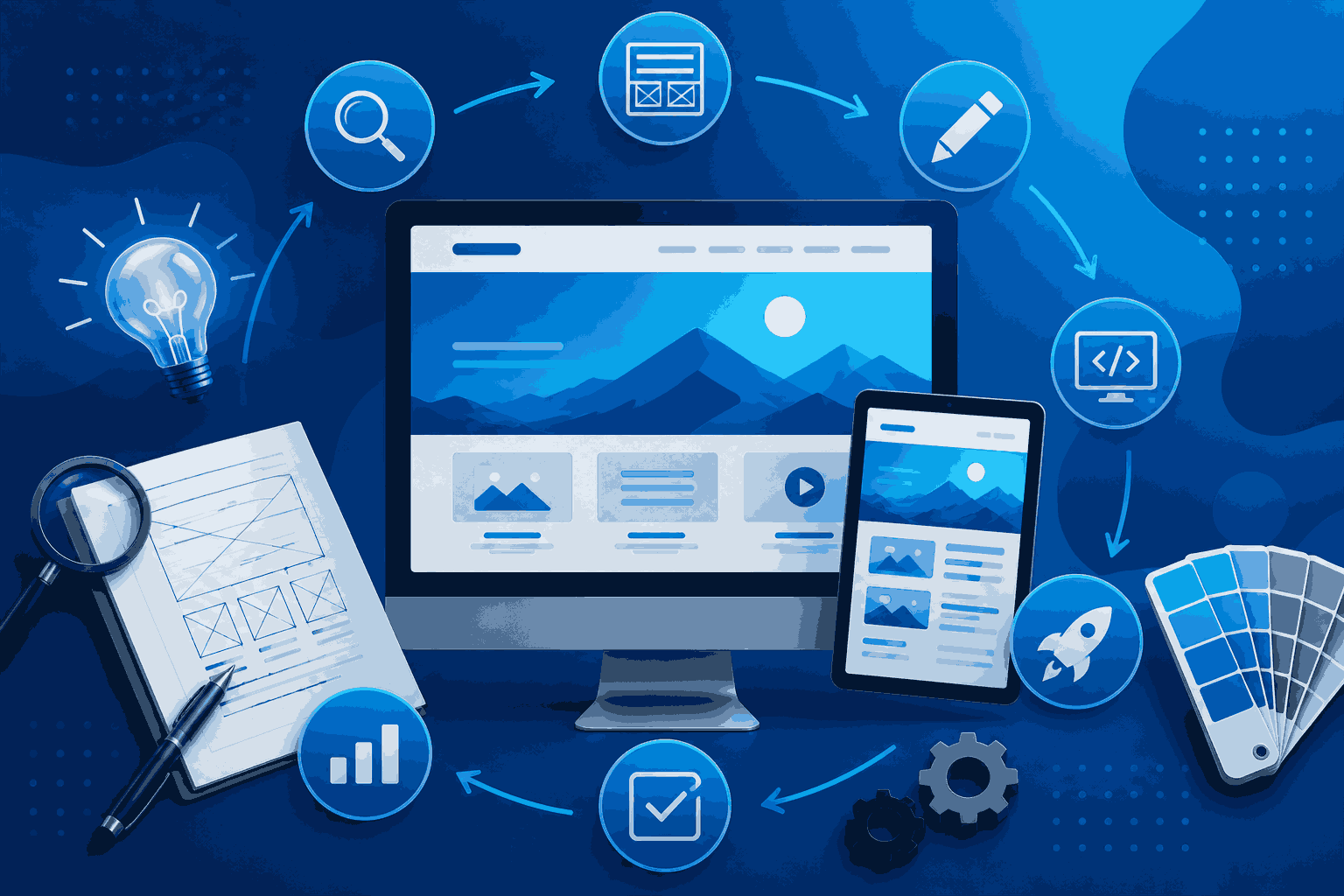
A website redesign is not about making it look new. It is a process that makes your website work better, helps users do what they want, and supports your business goals.
To redesign your website, you need to have a plan. This plan helps you achieve your goals, whether you want more people to sign up, buy things online, make your brand stronger, or make your website more user-friendly.
If you do not plan properly, you might end up with problems like lost pages, search rankings, a poor user experience, and extra costs.
But do not worry; you can avoid these problems if you do it right.
This guide will show you how to redesign your website. You will learn how to set goals, check your website, launch your new website, and see if it is working well. This guide is for anyone who wants to redesign their website, whether you are a business owner, a marketing manager, or working with a professional agency.
You will learn about every stage of a redesign. A website redesign helps your website perform better. A website redesign supports your business goals. A website redesign improves user experience.
Why Following a Website Redesign Process Matters
A lot of businesses make the mistake of jumping into design without knowing why they need to redesign their website. They want a looking website, which is great, but it does not mean they will get better results just because of that. The website redesign is needed for a reason. Businesses should understand this reason before they start designing.
A structured website redesign process helps you:
- Align your website with your business objectives
- Improve user experience across all devices
- Preserve valuable SEO and existing traffic
- Reduce technical issues before launch
- Improve conversion rates
- Make future updates easier
- Deliver a consistent brand experience
Think of it like building a house. Without a blueprint, even the best materials won’t produce the desired outcome.
Define Your Goals
When you want to redesign a website, you need to know what you want to get out of it. A website redesign is like a project. Every project needs a clear plan.
You have to ask yourself some questions:
- Why are we redesigning the website?
- What are the problems that we are trying to fix with the website redesign?
- What do we want to achieve with the website redesign in terms of business?
- What do we want people to do when they visit the website?
Your website redesign goals might include things like:
- Generate enquiries for the website
- Increase sales from the website
- Improve how the website works on phones
- Make the website redesign help people think the brand is more credible
- Improve how fast the website loads
- Make it easier for people to find things on the website
- Make it easier to add content to the website
If you set specific goals for the website redesign, at the start it will be easier to see if the website redesign was successful later. The website redesign will be a success if it helps you achieve your website redesign goals. You will know what you are working towards with the website redesign. The website redesign will help you get what you want from the website.
Audit Your Existing Website
Before making changes, take time to understand what already works and what doesn’t.
A website audit helps identify strengths, weaknesses, and opportunities for improvement.
Review areas such as:
Performance
- Loading speed
- Core Web Vitals
- Server response time
User Experience
- Navigation
- Mobile responsiveness
- Accessibility
- Readability
Content
- Outdated pages
- Duplicate content
- Thin content
- High-performing articles
SEO
- Organic traffic
- Top-ranking pages
- Keyword performance
- Internal linking
- Broken links
- Indexing issues
Don’t assume everything on your current website should be replaced. Some pages may already perform well and simply need improvements rather than a complete rewrite.
Understand Your Audience
A website should be designed around the people who use it, not around internal preferences.
Ask questions like:
- Who are our ideal customers?
- What problems are they trying to solve?
- What information do they need first?
- What devices do they use?
- What motivates them to take action?
Understanding your audience helps create a website that feels intuitive and relevant.
Research Your Competitors
Competitor research isn’t about copying another website; it’s about identifying opportunities to do better.
Review competing websites and note:
- Navigation structure
- Service presentation
- Calls to action
- Visual design
- Content organization
- Trust signals
- Customer testimonials
- Page speed
You may discover ideas that improve your own website while identifying gaps your competitors haven’t addressed.
Plan Your Website Structure
Now it’s time to organize your website.
A clear structure helps both visitors and search engines understand your content.
Create a sitemap that includes:
- Home
- About
- Services
- Industry Pages
- Blog
- Case Studies
- FAQs
- Contact
Group related pages together and remove unnecessary complexity.
The goal is to help visitors find information quickly without feeling overwhelmed.
Review and Improve Your Content
When you are working on a website, one of the big mistakes people make is moving all the old content to the new site without taking a closer look at it. You should go through each page one by one. Ask yourself some questions about each page.
Here are some things to think about:
- Is the content on this page still correct?
- Does it help users find the answers they are looking for?
- Does it match the services we offer now?
- Can we make it better?
- Should we combine it with another page?
- Should we get rid of it?
This is also a time to make your website better by linking pages together and making groups of content that are related to the main things your website is about, like your core topics. You can really improve your content by doing this. Your core topics should be the focus. Reviewing your content is a step in making a good website.
Improve User Experience (UX)
User experience determines how easily visitors can interact with your website.
Good UX helps users complete tasks without confusion.
Focus on:
- Clear navigation
- Logical page layouts
- Readable typography
- Consistent spacing
- Easy-to-find contact information
- Fast-loading pages
- Mobile usability
- Accessible design
A beautiful website that frustrates users won’t achieve business goals.
Design the User Interface (UI)
When you have a plan, you can start working on how things will look. Your design needs to be about your brand. It has to be simple for people to get the information they need.
You have to think about things like:
- Color palette
- Typography
- Images
- Icons
- space
- Visual hierarchy
- Button styles
- Making sure everything looks the same on all pages.
The design of your brand should help people use it easily, not make it harder for them to understand your brand.
Good design of your brand is important because it supports how easy it is to use your brand; it does not distract people from your brand.
Develop the Website
This is where designs become a functional website. Development should focus on quality, performance, and scalability.
Typical tasks include:
- Responsive development
- CMS integration
- Custom functionality
- Security improvements
- Speed optimization
- Database configuration
- API integrations
- Schema markup implementation
Every feature should support your business objectives rather than adding unnecessary complexity.
Optimize for SEO Before Launch
SEO should never be added after the redesign is complete. Instead, integrate it throughout the project.
Before launching, review:
- Meta titles
- Meta descriptions
- Heading structure
- Image alt text
- Internal links
- URL structure
- Canonical tags
- XML sitemap
- Robots.txt
- Redirects for changed URLs
- Structured data
- Page speed
These steps help preserve your search visibility while improving your website’s performance.
Test Everything
Testing is one of the most important stages of the website redesign process.
Before publishing, verify that:
- Every page loads correctly.
- Navigation works.
- Forms submit successfully.
- Buttons function properly.
- Images display correctly.
- Mobile layouts are responsive.
- Browsers render pages consistently.
- Links aren’t broken.
- Checkout processes work (if applicable).
- Analytics tracking is active.
Launching without proper testing often leads to avoidable issues that affect both users and search performance.
Launch Your Redesigned Website
When everything has been reviewed, it’s time to launch.
Before going live:
✔ Back up the old website.
✔ Implement redirects.
✔ Submit the updated XML sitemap.
✔ Verify Google Search Console.
✔ Verify analytics tracking.
✔ Check indexing.
✔ Monitor for crawl errors.
A successful launch is the result of careful preparation—not simply pressing the publish button.
Monitor Performance After Launch
The redesign process doesn’t end after launch. Continue monitoring your website to identify improvement opportunities.
Track metrics such as:
- Organic traffic
- Keyword rankings
- Bounce rate
- Conversion rate
- Page speed
- Core Web Vitals
- Form submissions
- User behavior
Review customer feedback and analytics regularly to refine your website over time.
Common Website Redesign Mistakes to Avoid
Many redesign projects underperform because of avoidable mistakes. To learn more about this, check “10 Signs Your Website Needs a Redesign“
Watch out for:
- Redesigning without clear goals
- Ignoring existing SEO performance (tools like Semrush, Ahrefs, and Ubersuggest help you to check SEO performance)
- Removing valuable content
- Changing URLs without redirects
- Focusing only on appearance
- Poor mobile optimization
- Slow-loading pages
- Weak calls to action
- Inadequate testing
- Failing to measure results after launch
Avoiding these issues can save significant time and resources.

Website Redesign Process Checklist
Before launching your redesigned website, make sure you’ve completed these essential steps:
- Define business goals.
- Audit your existing website.
- Research your audience and competitors.
- Create a clear sitemap.
- Review and improve content.
- Plan the user experience.
- Design a consistent interface.
- Develop a responsive website.
- Optimize for SEO.
- Test every feature.
- Launch carefully.
- Monitor and improve continuously.
Frequently Asked Questions
How long does a website redesign take?
The timeline depends on the size and complexity of the project. A small business website may take a few weeks, while larger websites with custom functionality can take several months.
Will a website redesign affect SEO?
It can if it’s not planned properly. Preserving valuable content, maintaining redirects, and following SEO best practices can help protect your search visibility during the redesign.
How often should a website be redesigned?
There is no fixed schedule, but many businesses review their website every three to five years or whenever significant changes occur in branding, technology, or customer expectations.
Should I redesign my website or build a new one?
If your website has a strong foundation, a redesign is often enough. If it’s built on outdated technology or no longer supports your business goals, building a new website may be the better long-term solution.
Conclusion
A good website redesign is not about changing how your website looks. It is about making your website work better for your business and the people who visit your website.
If you follow a plan for redesigning your website, you can make it easier for people to use, make your business look better, keep your website visible in search results, and create a website that will help your business grow over time.
The best websites are made for a reason. Every decision about how it looks, what it says, and how it works should make things better for the people who visit your website and better for your business.
If you think about it carefully, redesigning your website is not about making it look nicer. Redesigning your website becomes a way to invest in the future of your business.